virtufin-app
virtufin-app is the web app for the Virtufin platform: the operator dashboard in a
browser, at https://app.virtufin.com. It shows and changes what runs on a context
(one virtufin-api endpoint): workers, market-data feeds and WebSocket connections,
triggers, the state store, live CloudEvents, scenarios and the trading halt,
strategies, instruments, order books, indicators, portfolio, P&L and risk. It has a
sandboxed script runner and an AI assistant that both act through the same operation
catalog, and pages you can build yourself (by hand or with AI) as JSON.
The TUI is the sibling client: https://tui.docs.virtufin.com/. Both follow the same navigation structure, read the same shared feed definitions, scenarios, strategies, pages and navigation, and offer the same operation catalog to scripts and to their AI assistant (Operations).
Sign-in and roles
You sign in with the organisation's identity provider (Pocket ID on medusa) through
Log in. Every signed-in user reads; members of the admin group (virtufin-admins
by default) also write. The header shows your name and an admin or read only
badge, and Log out. See Getting started.
The default layout
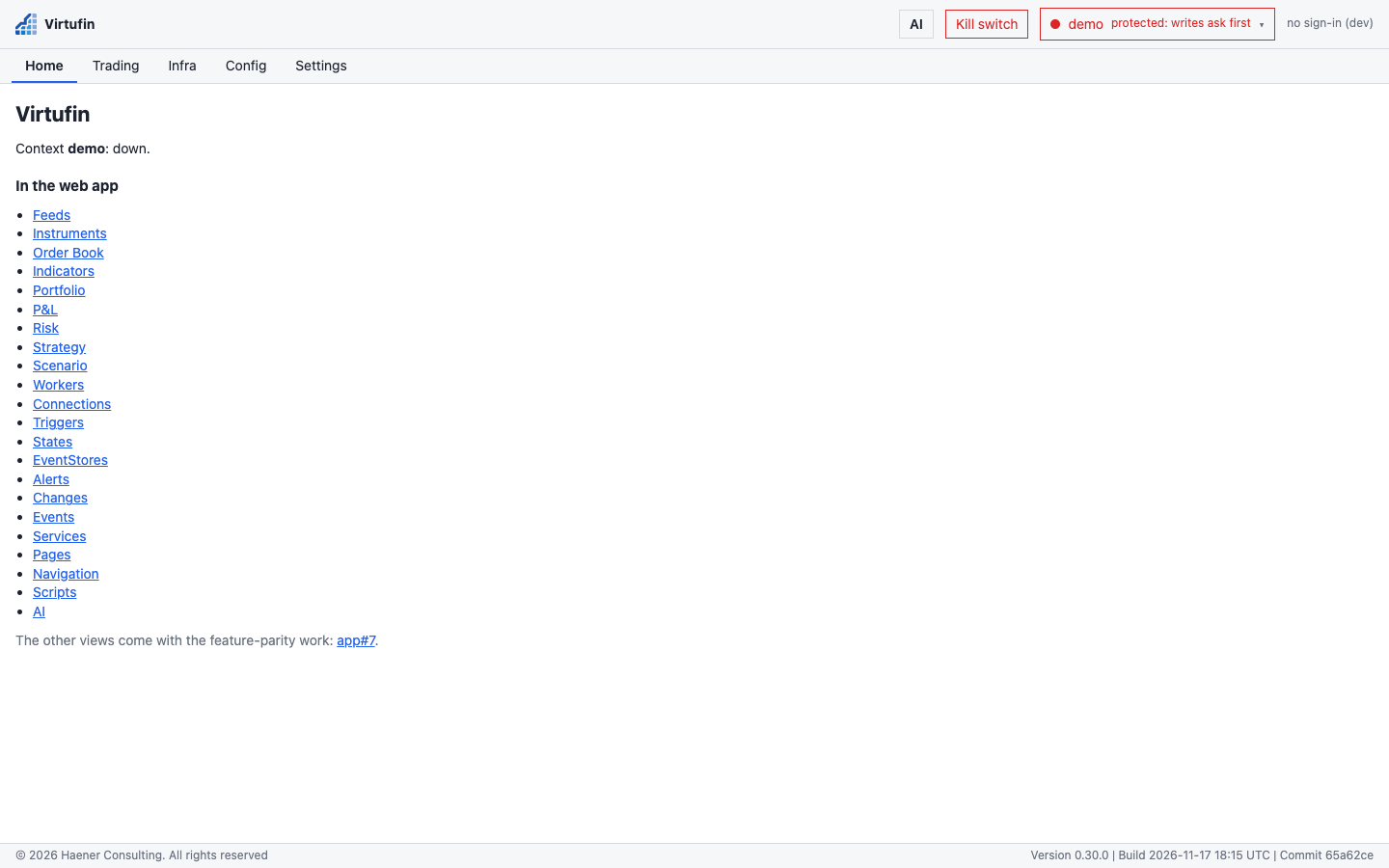
The top-level tabs are the navigation structure in use (see Pages); the entries of the chosen tab are in the sidebar. With the built-in default:
| Tab | Sidebar entries (route) |
|---|---|
| Home | (/home, and /) |
| Trading | Feeds (/trading/feeds), Instruments (/trading/instruments), Order Book (/trading/orderbook), Indicators (/trading/indicators), Portfolio (/trading/portfolio), P&L (/trading/pnl), Risk (/trading/risk), Strategy (/trading/strategy), Scenario (/trading/scenario) |
| Infra | Workers (/infra/workers), Connections (/infra/connections), Triggers (/infra/triggers), States (/infra/states), EventStores (/infra/eventstores), Alerts (/infra/alerts), Changes (/infra/changes), Events (/infra/events), Services (/infra/services) |
| Config | Pages (/config/pages), Navigation (/config/navigation), Scripts (/config/scripts) |
| Settings | AI (/settings/ai) |
The header, on every view: the Virtufin logo (to Home), AI (the assistant panel),
the unread-alerts badge (⚠ N), the halted-scenarios badge (⛔ N halted) and, for
admins, Kill switch, the context menu (top right) and the sign-in controls. See
Views for each view.
Pages on this site
Home
- Getting started: open the app, sign in, roles, first steps; running it locally for development.
- Contexts: the context catalog, switching, health, protected contexts and the write gate.
Screenshots: a tour of every view.
How-tos: step-by-step tasks — set up AI, switch context, connect a feed, start and upgrade a worker, schedule a trigger, scenarios and the trading halt, compose a strategy, browse state and events, run a script, make a page, find what went wrong.
Reference
- Views: every view, its table, filter, buttons and dialogs, and which actions write.
- AI: Settings > AI (provider keys, model, prices), the assistant panel, privacy.
- Scripts: the script runtime and the
vfAPI. - Pages: the navigation structure and profile, page JSON, the catalog, shared and own pages.
- The app's API: how the operation catalog is reached here, the published schemas, the app server's HTTP routes.
Architecture: the app server, the proxy, sign-in, authorization, server-side storage, push not poll, the settings.